Getting the Most Out of Your UV Lamp Swaps
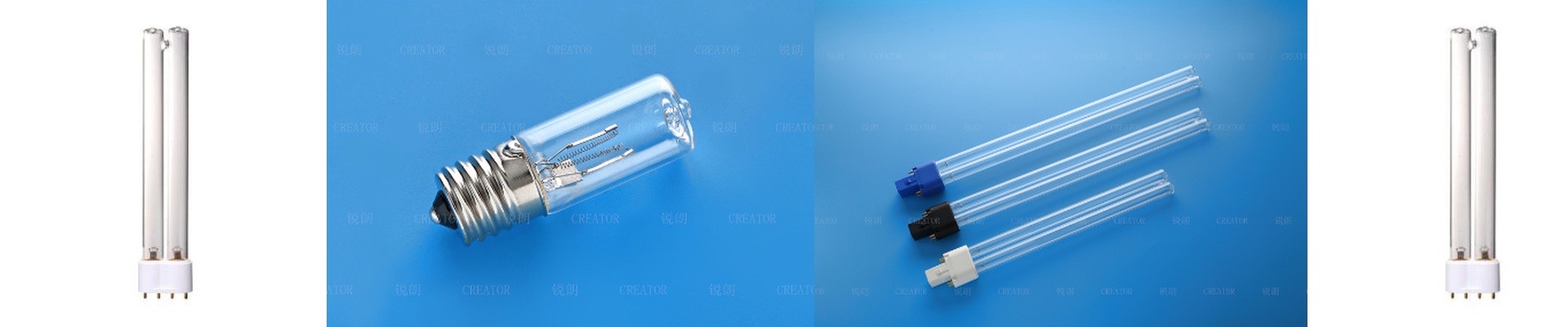
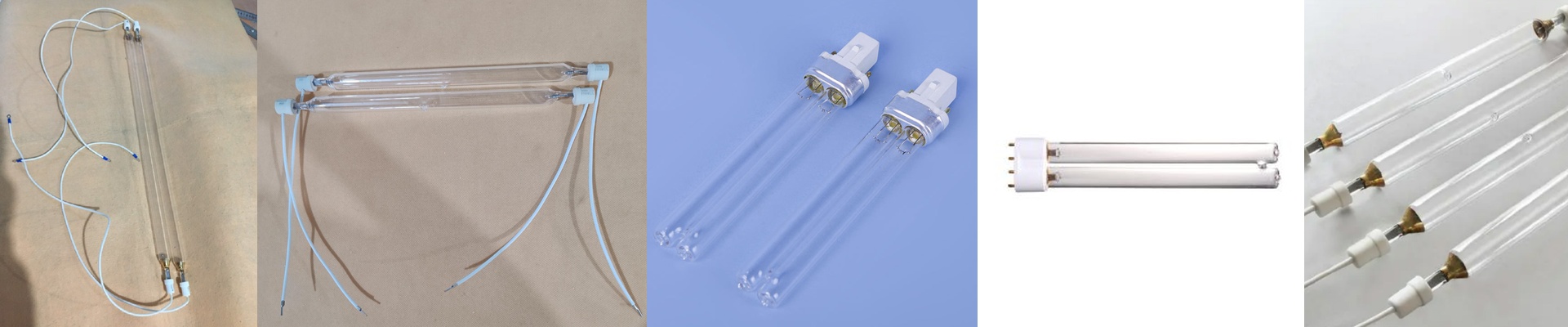
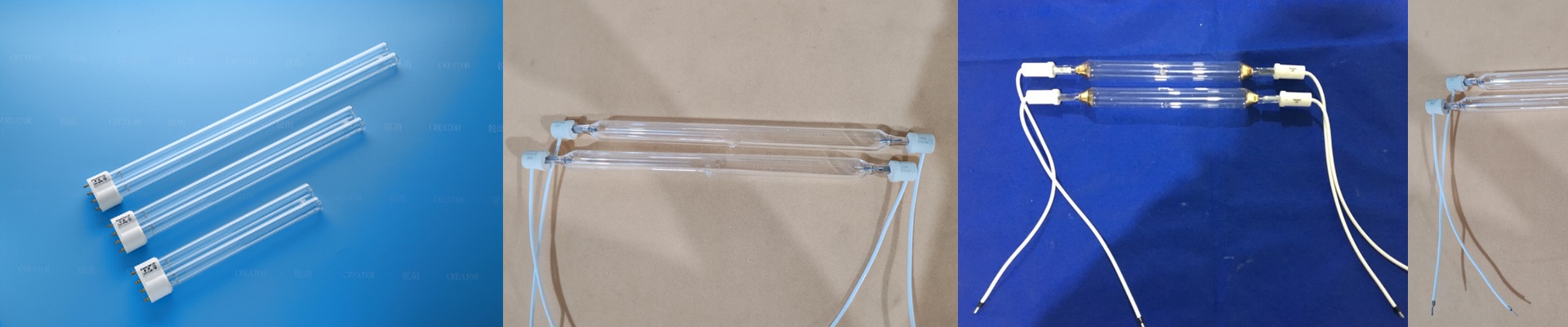
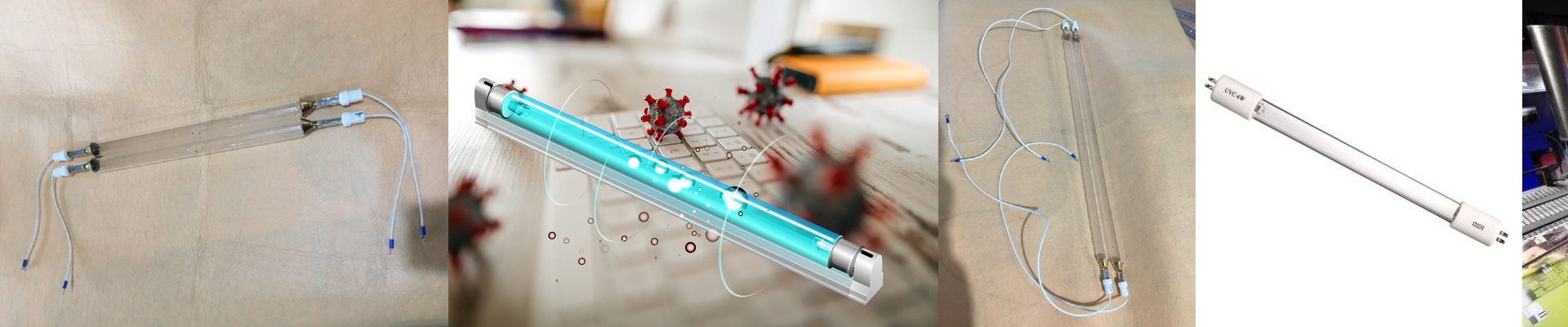
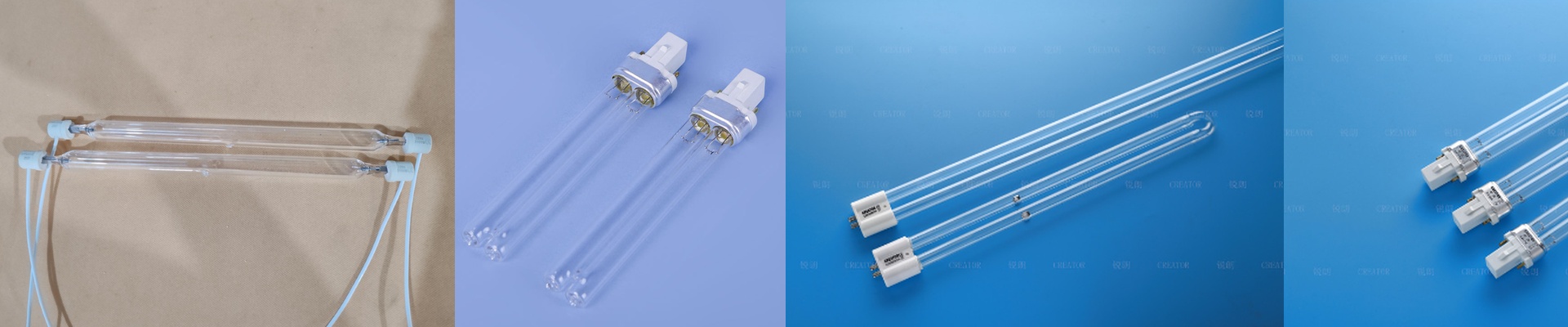
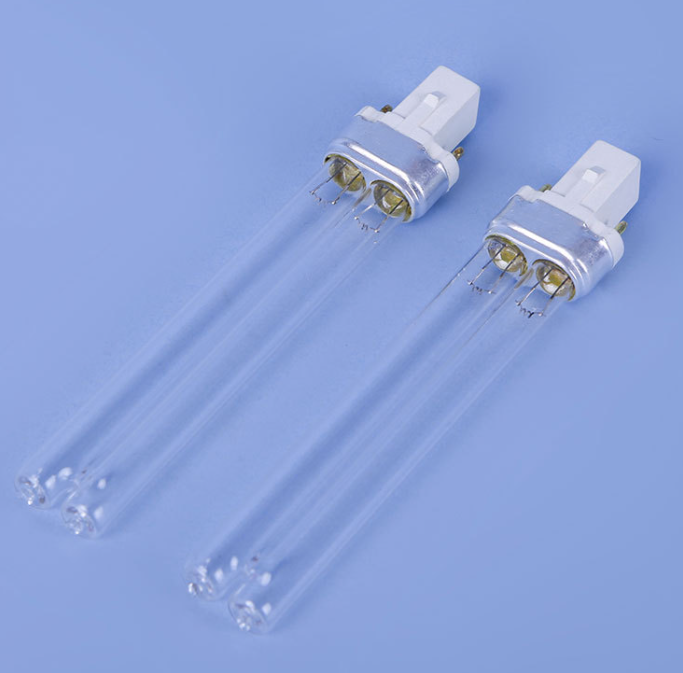
Let’s be honest: UV curing lamps are the real workhorses of your printing line. Without them, you’re just moving wet ink around. When it’s time to swap one out, it’s easy to think you’re just buying a new bulb. But it’s more than that. You’re really managing how much light hits the ink and how much heat your machine can take. Power and the Electrical Side of Things Here’s the thing about wattage and voltage. If you bump up the wattage, you get more UV intensity. That’s great for those thick ink layers that take forever to dry. But you’ve got to make sure the lamp and your ballast are on the same page. If the voltage is off, you’re asking for trouble—either the lamp won’t start, or you’ll fry the electrodes way sooner than you should. We tune our lamps to hit specific spectral peaks so the ink cures all the way down to the material without burning the top layer. The Glass Matters More Than You Think We use high-purity fused quartz for a reason. Cheap glass absorbs the UV radiation it’s supposed to be letting through. Ever seen a lamp get cloudy? That’s “solarization.” It happens when low-grade quartz gives up under the heat, and suddenly your output tanks. By keeping the glass pure, the UV-C and UV-B waves fly right through. This means you can either slow down your conveyor for a better finish or maybe even get away with using fewer lamps in your array. Installation and the Heat Struggle Our lamps are designed to be drop-in replacements. We want you back up and running fast. But there’s a trade-off. When you push for higher production speeds, you create a massive amount of heat. These high-output lamps dump a lot of IR radiation into your system. If your cooling fans are clogged or your reflectors are dusty, the lamp is going to die early. It’s just physics. Since you’re already in there swapping the tube, take a second to check your reflector alignment. It only takes a moment, and it stops those annoying hot spots from ruining your work.